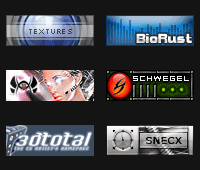
October 2nd, 2007 in Photoshop Tutorials by Richard Carpenter
Affiliate Buttons Tutorial

 6 Votes, Rating: 4.67
 Loading ...
Create a new document “88×31″, fill the background with your desired color.

Then goto “layer > new > layer from background”. Now add your text.

Now select your background layer and add these layer styles.


Now select the “rectangular marquee tool” draw out a rectangle like the image shown below and color it white.

Last but not least set the opacity of the white box to about 30% Thats it all done. Your final image should look like this.


Be Part Of The Community!
Become part of the hv-designs community.
Subscribe Via RSS or Follow Us On Twitter.